











Creating an account with BetKing gives eligible Nigerian users access to the sportsbook and the account features available on the platform. Registration is required before you can deposit funds or place bets. You can complete the process on a desktop computer or smartphone, then use your account dashboard to review your profile, transactions, and betting history.
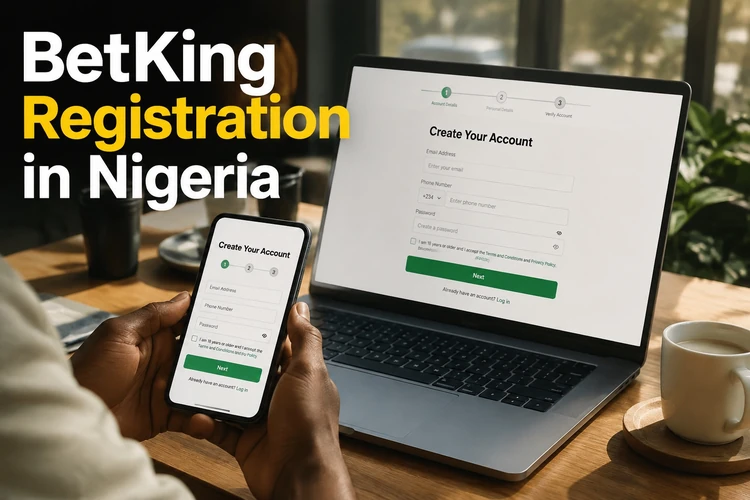
This guide covers the main registration stages, from preparing your details to accessing and protecting the account. The form and verification requirements shown on the official site should always take priority because they may change over time.
Before You Register
BetKing registration is intended for Nigerian residents aged 18+. You will need a reliable internet connection and a mobile phone number you can access. An email address may also be requested. Prepare accurate personal information, including your legal name and date of birth, before opening the form.
Enter details that match your identification documents. Inconsistent information may cause problems if identity verification is required later, particularly before certain transactions. Check the spelling of your name, date of birth, phone number, and email address before submitting anything. You should also read the applicable terms and privacy information.
Complete BetKing Registration Step by Step
To create a BetKing account, open the official website and select the registration option. Complete only the fields displayed in the current form. These may include your name, date of birth, phone number, email address, and location details. Do not submit information through an unofficial link or a form sent by an unknown third party.
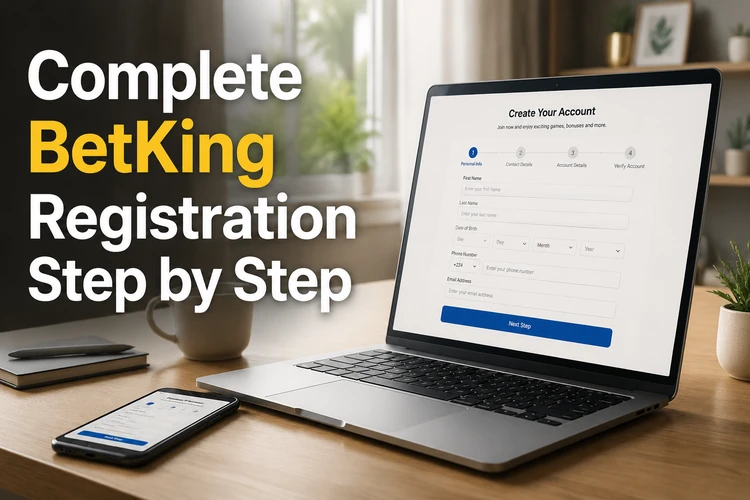
Create a strong password that is not used on another website. A longer combination of letters, numbers, and symbols is safer than a name, birthday, or simple sequence. Review each field and the applicable terms before submitting the form. If the platform sends an SMS or email verification request, follow the instructions and never disclose the code to another person.
After completing any required verification, use the account login page to access your profile. Check that your contact information is correct before making a deposit. Registration does not guarantee that every account feature will be available before any required identity or payment checks are completed.
Mobile Registration
Registration on a smartphone follows the same basic process as registration on a computer. Open the current official site in an updated mobile browser, select the sign-up option, and complete the fields shown on the screen. Use a stable connection and avoid submitting sensitive information over unsecured public Wi-Fi.
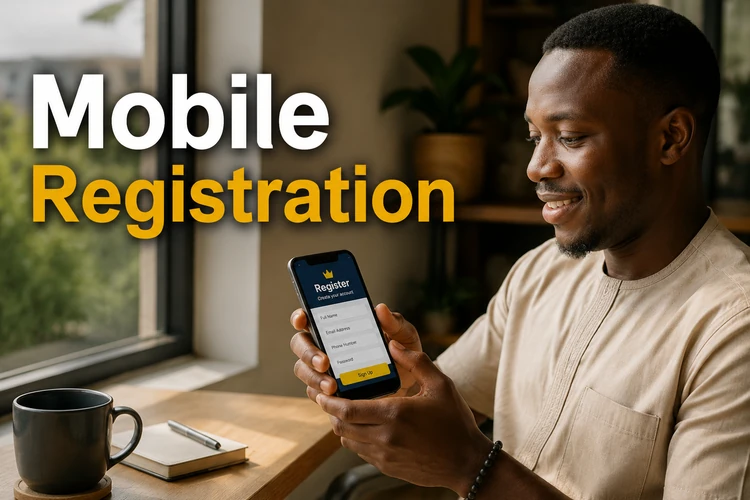
You do not need to install software just to complete browser registration. If you later prefer a dedicated mobile experience, review the platform's app information and follow its official installation guidance. Whether you use a browser or application, the same account credentials should be kept private.
Register Using Your Phone Number
Your phone number may be used for verification, account notices, and password recovery. Enter a Nigerian number that belongs to you and remains available to you. If an SMS code is requested, type it only into the official verification screen and do not forward it to anyone claiming to provide support.
Keep your contact details current after registration. If the dashboard permits direct changes, follow the instructions shown there. A phone number change may require additional checks to protect the account. If you cannot update it yourself, use an official support channel rather than creating a duplicate account.
Existing Accounts
If you already have a BetKing account, do not register again. Sign in with your existing credentials. If you forget your password, use the recovery option on the login screen and follow the instructions sent to your registered phone number or email address. Check your spam folder if an expected email does not arrive.
After signing in, review the profile and account settings available in your dashboard. Depending on the options shown, you may be able to check transaction history, update notification preferences, or review personal details. Contact customer support if a sensitive change cannot be completed through the dashboard.
Legacy Registration Methods
Older versions of the mobile site may look different from the current registration interface. Platform layouts and security steps can change, so outdated screenshots or instructions may no longer match the form you see today. Use the latest official website and follow the fields and notices presented there.
The basic precautions remain the same: provide accurate information, protect your password, complete any required verification, and confirm that you are using an official channel before sharing personal details.
Account Protection & Responsible Gaming
Never share your password, recovery code, or verification message. Avoid saving credentials on a shared device, and sign out when you finish. If you notice an unfamiliar login or transaction, change your password promptly and report the issue through an official support channel.
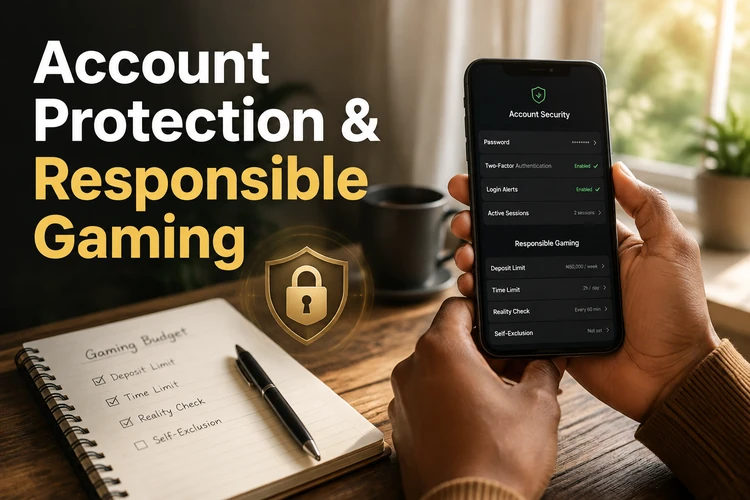
Set a personal betting budget and use any limit or break controls available in your account. Do not chase losses or treat betting as income. If you want to restrict, suspend, or close the account, ask support about the available procedure and any verification needed. Further practical guidance is available in the responsible gambling section.
FAQ
Start with an accessible Nigerian phone number and accurate personal details, including your legal name and date of birth. The current form will show what is required. Official identification may be requested later for identity verification or certain account transactions.
Yes. You can complete the registration form through an updated mobile browser. Use the current official site, check every field before submitting, and avoid entering personal information over unsecured public Wi-Fi.
Completing the form may take only a few minutes, but the total time depends on the information and verification requested. Follow any SMS or email instructions shown and do not share a verification code with anyone.
Use the password recovery option on the official login page. Enter the registered contact information requested and follow the reset instructions. Choose a new password that you do not use on any other website.
Check the profile or account settings after signing in. If the number cannot be changed there, contact official customer support. Additional verification may be required before a sensitive contact detail is updated.
Use a unique password, keep verification codes private, sign out on shared devices, and review unfamiliar account activity promptly. Use official support channels if you suspect unauthorized access or need to restrict the account.